AI context and workflow management for marketers using Claude and ChatGPT
Keep your brand guidelines, product details, customer research and repeatable workflows in one place. Pull what your team needs into Claude or ChatGPT for each job.
What got my attention with Oleno is that it zeroes in on quality over quantity.
Anders UhlCMO, ClickPoint Software
It was like adding three headcount to our marketing team.
Chris van der WaltRadMedia
Trusted by marketing teams at
Your team uses AI. But is everyone working from the same information and processes?
Two situations that happen even when the team already knows how to use Claude or ChatGPT.
THE INFORMATION
The writer doesn't have the research.
You've got customer interviews, call notes and client feedback in Claude, Slack and email. Another marketer is drafting the article, but doesn't have all that information.
Customer interviewsCall notesClient feedback
THE PROCESS
The right Skill doesn't get used.
Someone makes a report in Claude without the reporting Skill the team already has. The work needs fixing, even though the better process is there.
Reporting SkillSteps that workApproved examples
One job. The right information, steps and review.
Say someone on the team needs to update a product page. The research, product details and page-writing process already exist.
Here is how they use that material in Claude or ChatGPT, then save the draft and feedback another person needs.
EXAMPLE: PRODUCT PAGEUpdate a product page in Claude or ChatGPT.
Illustrative example, not a live workspace
01IN OLENO
Save the workflow
Keep the page-writing steps and current sources together.
Someone has already figured out a useful report or campaign workflow. Keep the steps where the next person can find and use them, then save work for review.
Different jobs. Different workflows. The same current company information when they need it.
INSIDE OLENO
Four places for the things behind your AI work.
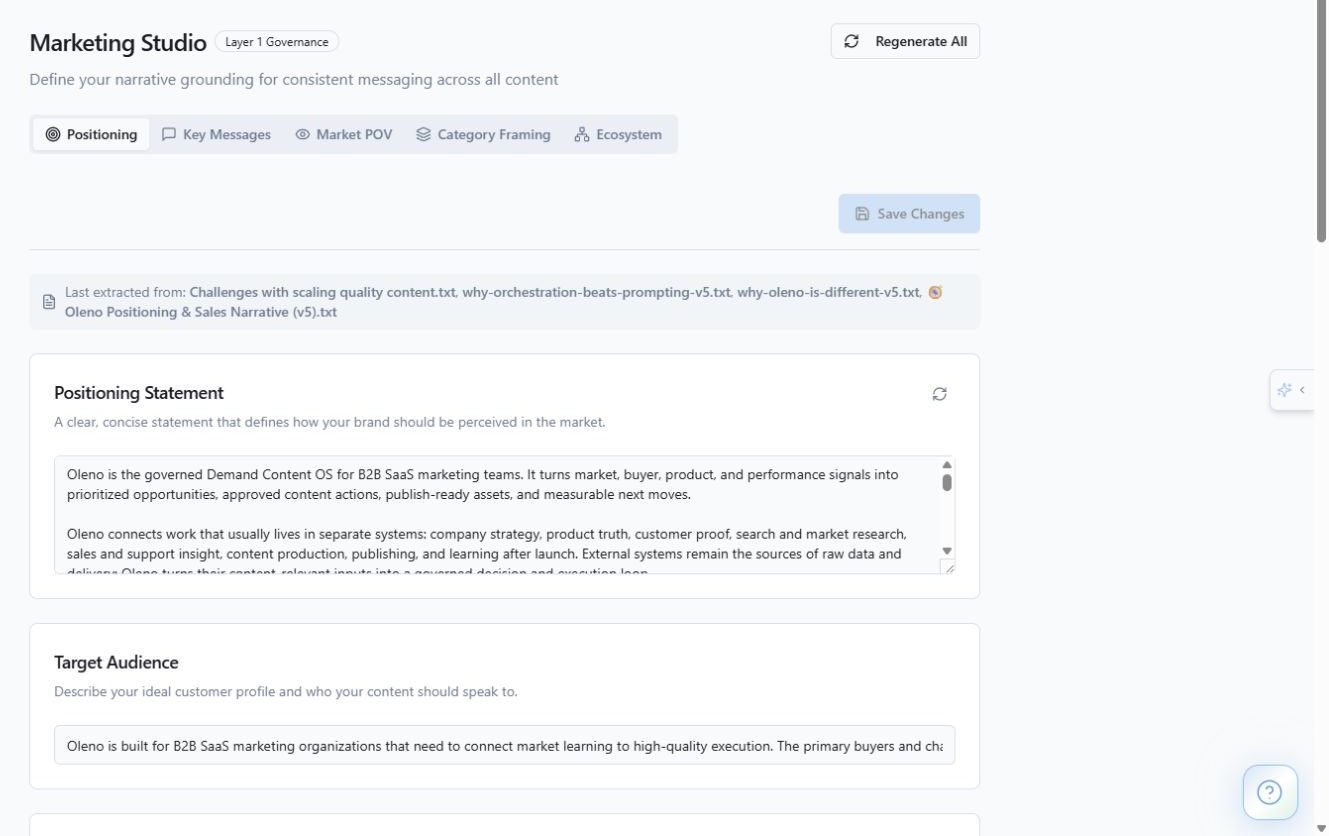
Keep your company's information, working processes, research and files in Oleno. Your team still does the work in Claude or ChatGPT.
01Context
Keep the company details current.
Positioning, buyers, product details, claims and brand guidelines. Keep the latest information together so the team can request what it needs in Claude or ChatGPT instead of using an old brief.
Existing Oleno product capture. Some in-app labels are being updated.
02Workflows
Save the steps that work.
Have a process for a content brief, product page or report? Keep the steps, instructions, sources and review points. Another marketer can use it in a supported AI tool without recreating your setup.
Review customer questionsBuyer research and product context
02
Write the page briefUse approved examples
03
Draft the product pageWork in Claude or ChatGPT
04
Check claims and save feedbackA person reviews the result
Illustrative workflow steps, not a product screenshot.
03Sources
Keep the research behind the work.
Customer interviews, call notes, survey findings and competitive research. Save useful material with its source, so the next person can find it and use it for the job.
Customer interview notesOriginal interview and date
02
Survey findingsRespondents and source
03
Competitive researchClaim and supporting link
Example source types, not a product screenshot.
04Library
Find the right file or example.
Approved writing examples, templates, product screenshots and brand assets. Keep them with their versions and usage notes, so nobody has to guess which file to use.
Oleno keeps marketing context, sources, templates, workflows and selected saved work in one place. Use what you need in Claude or ChatGPT without rebuilding it for each job.
Your positioning, product details, buyer information, brand guidelines and writing style. They are maintained by your team, then requested by connected AI tools when needed.
Yes. Keep useful call findings, survey results, client feedback, templates and reference files in Sources and Library. Oleno stores what your team supplies; it doesn't automatically collect everything from those tools.
Claude Skills can be shared and can call other tools. Oleno keeps marketing steps together with the current company context, relevant sources and selected work that people choose to save. A custom setup can do this too.
You can review the briefs, drafts, feedback, decisions and next steps that authorized people save to Oleno. It does not watch every AI chat or approve work automatically.
Yes. Oleno works through supported, permissioned connections. Your team still uses its AI tools to research, write and produce the work. Exact file and handoff support depends on the client.
No. Saving or finishing a workflow isn't approval or publication. Your team reviews and publishes through its usual tools.
Keep the context and the process together.
Give your marketers the current information and workflows they need in Claude or ChatGPT.